

Anderson LimaSoftware Engineer & Architect
October 16, 2026
4 min read
43 views
How lemon-code's macOS app talks to the CLI over JSON-RPC on stdio, without reimplementing the agent or touching the core database

Published: November 2, 2026
Reading time: 9 min
Series: lemon-code in 30 days, part 7 of 13
The first commit of lemon-code's macOS app, on May 16, 2026, had no screens. The message was "define app contract and execution rules". The window only showed up in the next commit.
That order was the app's most important decision. This post shows how a SwiftUI app can sit on top of a CLI without rewriting the agent in Swift, and the rules that keep both standing.
A car dashboard shows speed, fuel and warnings, and has buttons that send commands. It doesn't burn fuel. Swap the dashboard and the engine stays the same.
The app is the dashboard; the CLI is the engine. The app repo's first rule says it plainly: keep lemon-code as the only execution engine.
Agent operations and changes to core state go through the CLI; the app UI does not open SQLite. The embedded terminal is separate: the app launches the child process and owns its PTY using launch configuration returned by the CLI.
The contract is newline-delimited JSON-RPC 2.0 over the CLI process's stdio. The app sends lc.app.initialize without parameters; the response includes contractVersion (app.v2), sessionId, serverInfo and capabilities.
{"jsonrpc":"2.0","id":1,"method":"lc.app.initialize"}
The app launches the CLI process, writes a line and reads the matching response. Agent logic stays in the CLI; the SwiftUI app also owns the PTY for its embedded terminal.
lc.app.* methods: projects, threads, approvals, review, automations, installation.lc.app.chat.send runs the prompt through the same controller as the CLI, persists messages and returns route provenance: requested and actual provider/model, ordered attempts and whether fallback was used. lc.app.chat.cancel cancels only the matching requestId, and cancellation is terminal: no new fallback attempt.
For the embedded terminal, the CLI returns only the launch config (cwd, login shell, args, environment) and the app owns the PTY and child process.
ADR 0058 fixed this. The risk was the app reading a successful initialize as support for every optional feature. With an older CLI, the app showed buttons the core couldn't execute. Now:
lc.app.getCapabilities advertises each optional feature with the methods implementing it.agentRooms: true unless the minimum method set is registered.An integrity test in the CLI prevents advertising a capability without matching methods.
If the backend isn't running, the app opens in degraded mode. If the JSON-RPC connection fails, a dismissible banner appears that doesn't block typing. That's the difference between an app you use daily and one you close in frustration.
From Git: 152 commits between May 16 and October 12, 2026. It requires macOS 13 and Swift 5.9 and runs with swift build and swift run LemonCodeApp.
A native app on top of a CLI works when the contract comes first and the app accepts being the dashboard. The engine lives in one place, tested through CLI, TUI and RPC. SwiftUI does what it's good at: windows, shortcuts, an embedded terminal and notifications.
Wednesday's post covers observability: keeping the Collector under your control and leaving conversation content out of telemetry.
If your team wants a desktop app on top of an existing command-line tool, designing that contract is work I do at LEMON.DEV.
Free and paid products to turn ideas into a foundation you can actually ship.
13 products available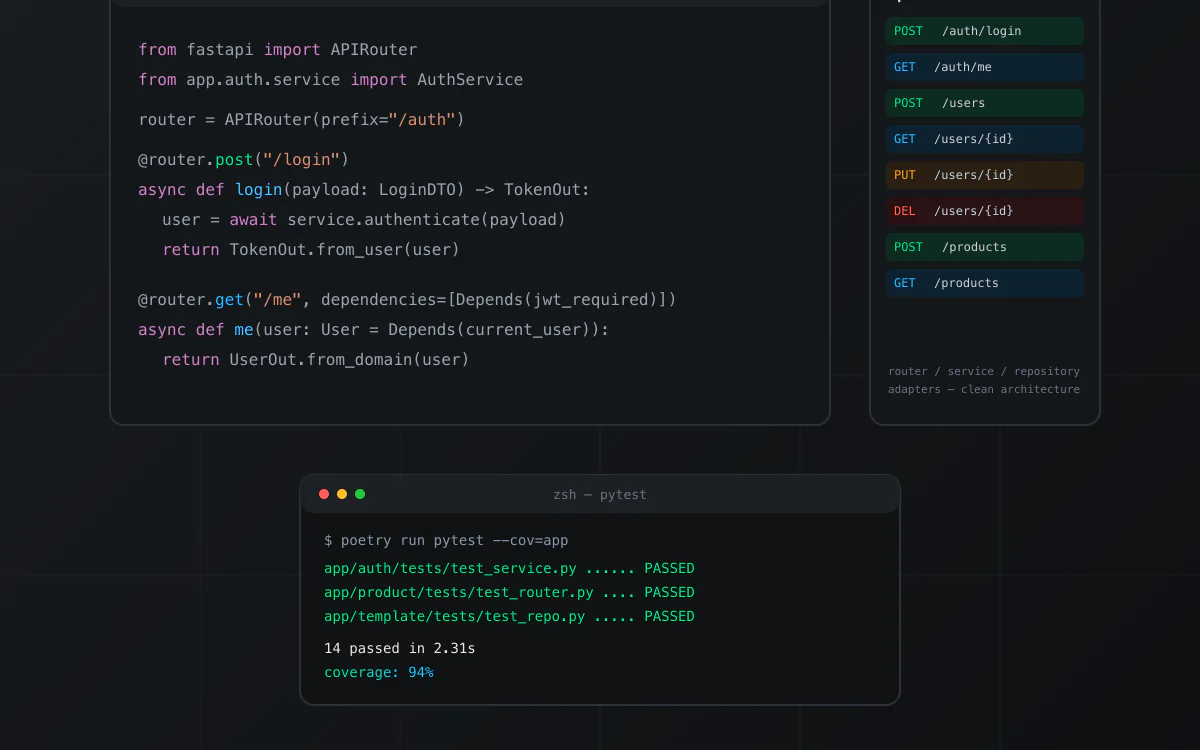
nextjs · boilerplate
Boilerplate de API em Python com FastAPI, organizado em Clean Architecture (router, service, repository e adapters por módulo). Inclui autenticação JWT com hashing bcrypt, MongoDB, testes com pytest e cobertura, Dockerfile e docker-compose para subir localmente, e documentação Swagger/OpenAPI automática. Repositório de origem privado; snapshot técnico verificado antes da publicação.
View product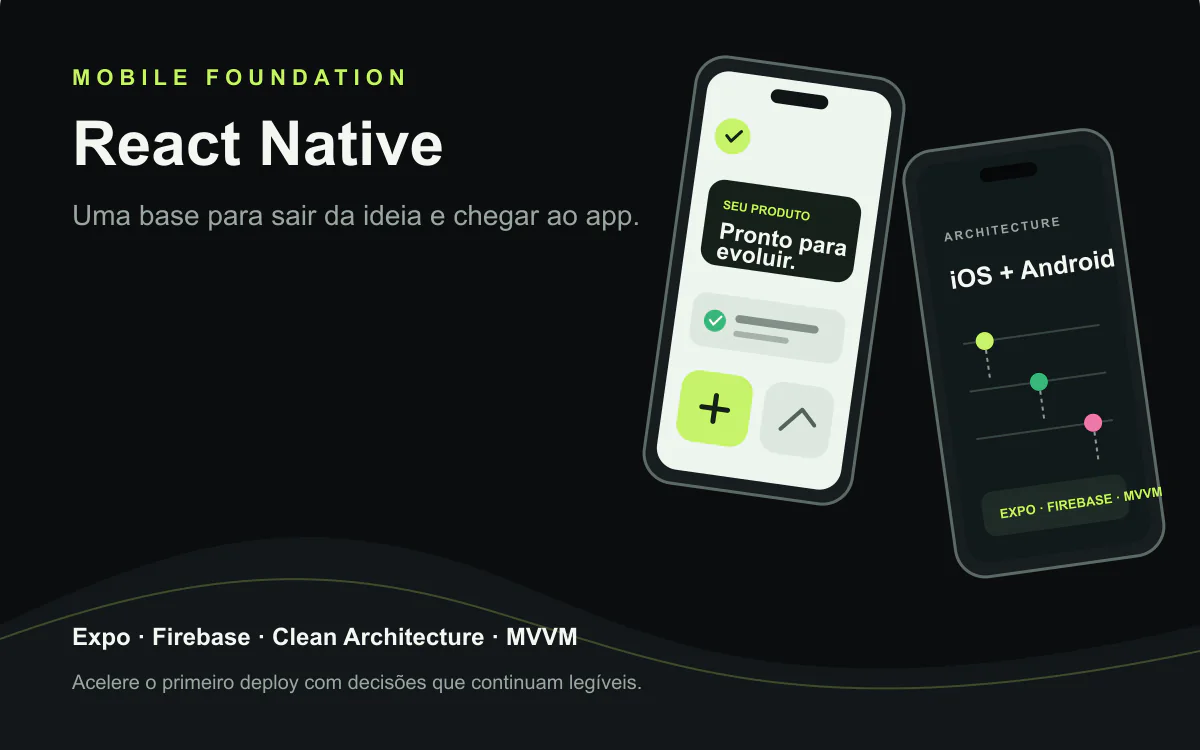
react · boilerplate
A React Native foundation for iOS and Android apps with Expo, Clean Architecture, MVVM, Firebase, and native modules. Technical reference from VaiDeFut, with public Google Play distribution and a documented iOS publishing flow.
View product
nextjs · boilerplate
A free open-source kit for getting started with coding agents across Claude Code, Codex, Gemini, Copilot, and OpenCode. The public repository confirms an MIT license.
View product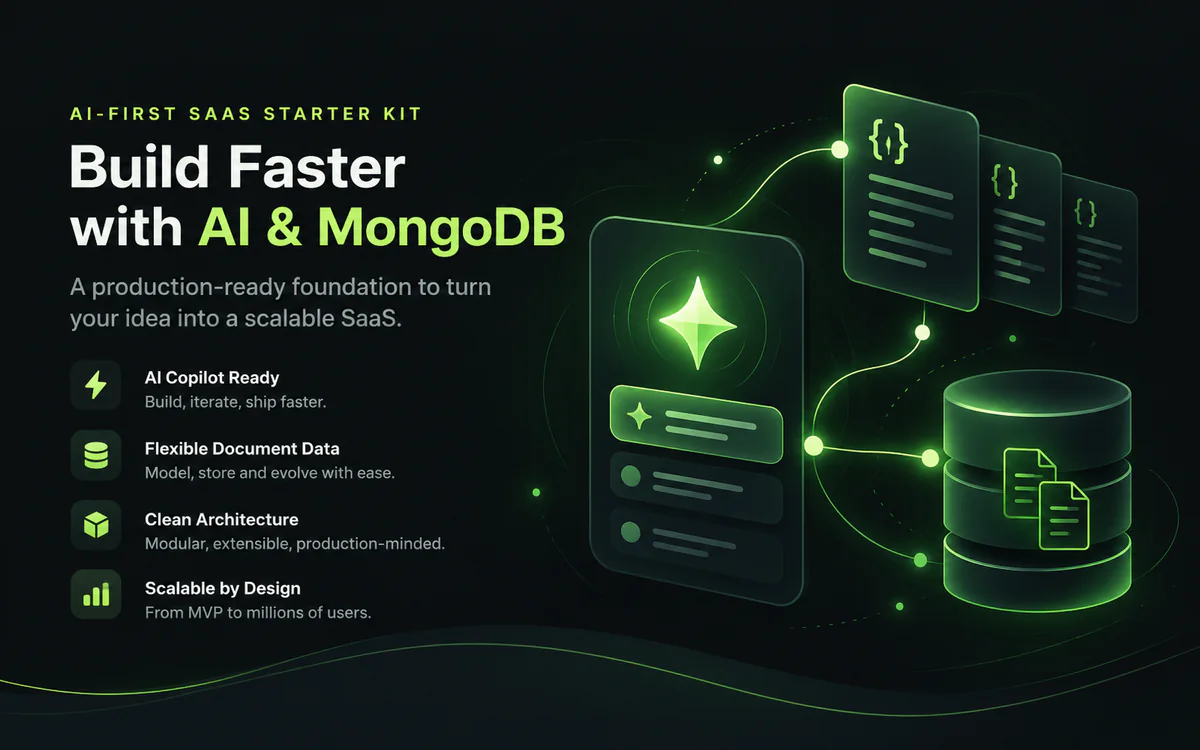
nextjs · boilerplate
A white-label AI-first foundation for shipping SaaS products with Next.js, chat, RAG, memory, tenants, and documentation. The verified snapshot documents Supabase rather than MongoDB; that limitation is explicit. MongoDB, Redis, and RabbitMQ require a compatible integration/configuration.
View product
nextjs · boilerplate
An advanced white-label, multi-tenant AI-first foundation for accelerating products with Next.js, chat, RAG, memory, and documentation. The verified snapshot does not prove a distinct Ultra layer; that limitation stays explicit while provider, cache, and queue swaps remain visible.
View product
nextjs · boilerplate
A white-label, multi-tenant foundation for turning an idea into an AI-first SaaS with Next.js, chat, RAG, memory, and documented security. The verified snapshot uses Supabase; the name identifies the source repository. Provider, cache, and queue boundaries stay explicit; Redis and RabbitMQ are configurable integrations.
View product
react · portfolio
A one-time contribution that supports free technical content, research, and the continuity of relevant projects published by Anderson Lima. You choose the amount; there is no subscription.
View product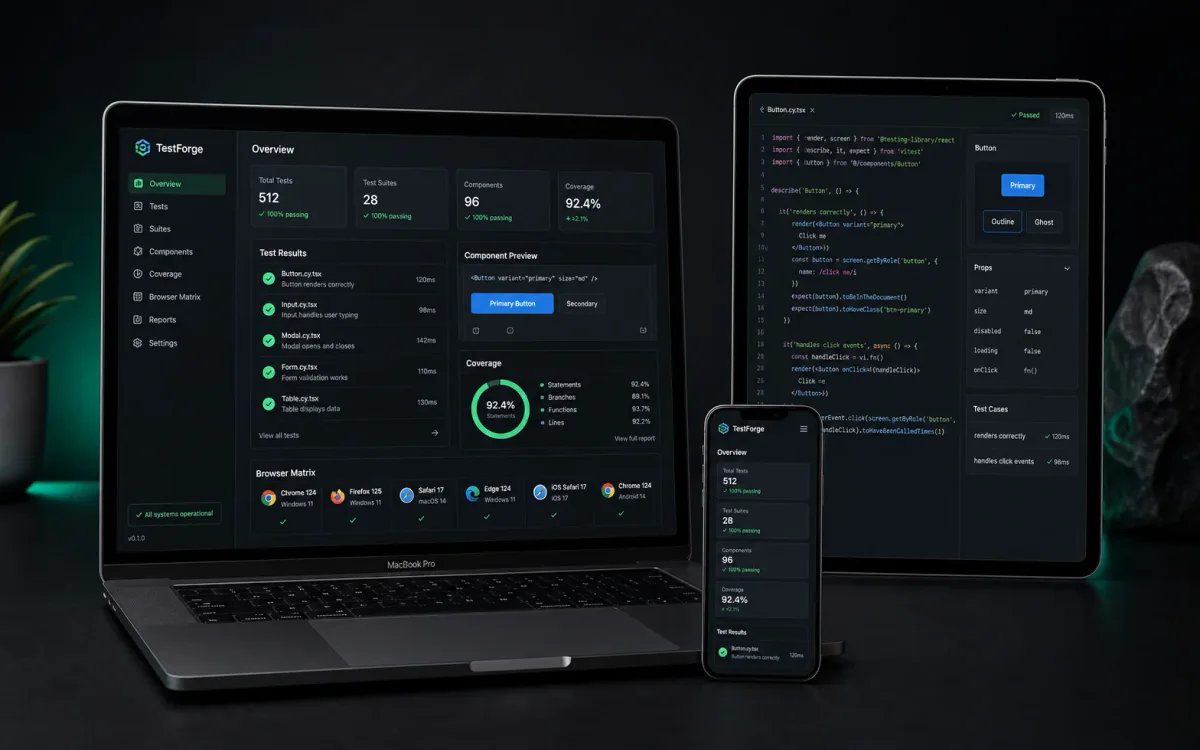
react · boilerplate
A free React starter for building a reliable test suite from the first commit, combining Vitest, Testing Library, Playwright, Vite, TypeScript, Zustand, React Query, MirageJS, and PWA. The repository does not declare an SPDX license; review its terms before commercial use.
View product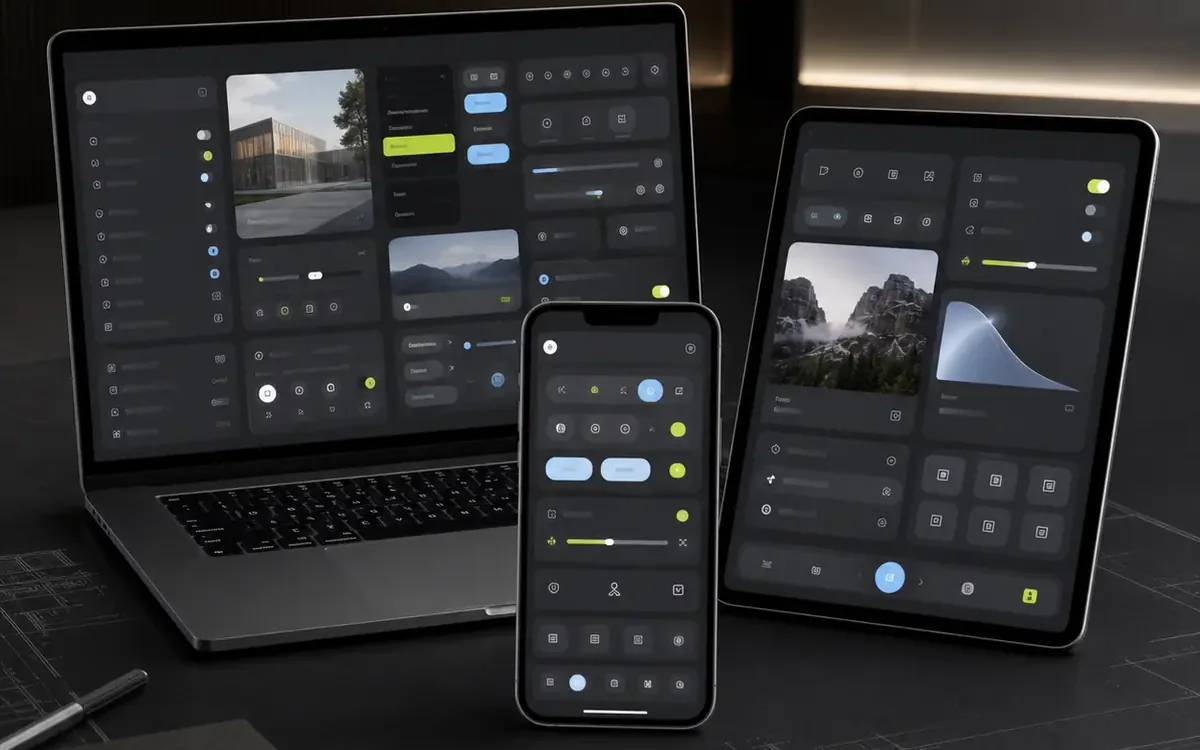
react · portfolio
A public React, TypeScript, and Vite monorepo for exploring a component library with a native-inspired visual language. The current README is minimal and does not declare an SPDX license; treat it as a free preview.
View product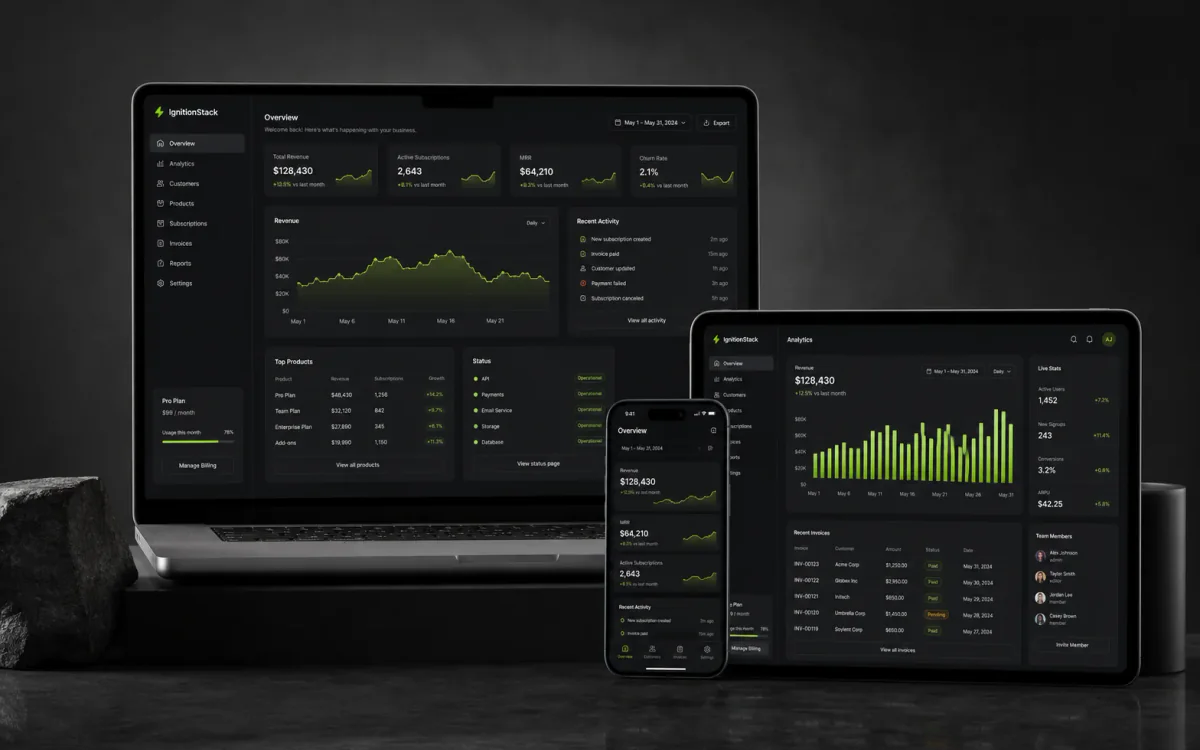
nextjs · saas
An AI-first SaaS boilerplate with Next.js, Supabase, Stripe, and provider routing to move from the first prompt toward a real deployment faster. AI, data, email, cache, and queue adaptations stay explicit; Redis and RabbitMQ are configurable integrations.
View product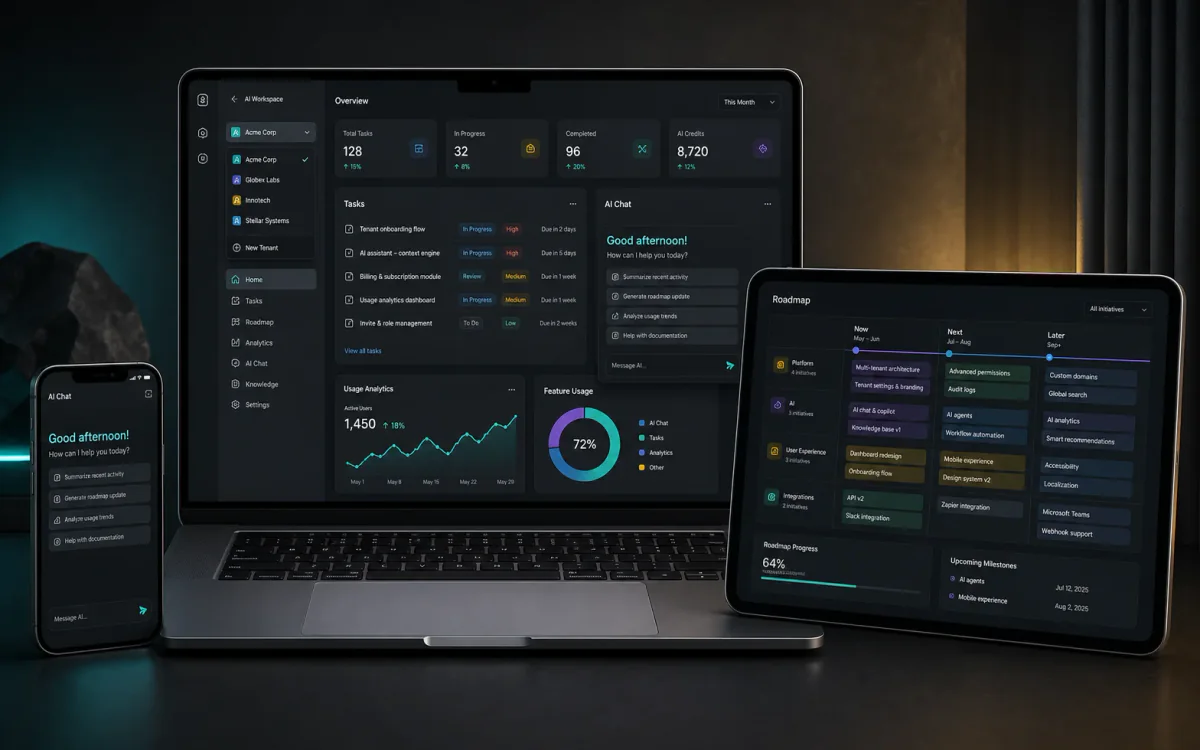
react · saas
A React + TypeScript starter for multi-tenant SaaS with Firebase, Atomic Design, themes, PWA, product screens, MirageJS, and Gemini chat extensible to other providers. Validate production requirements, costs, and integrations before publishing.
View product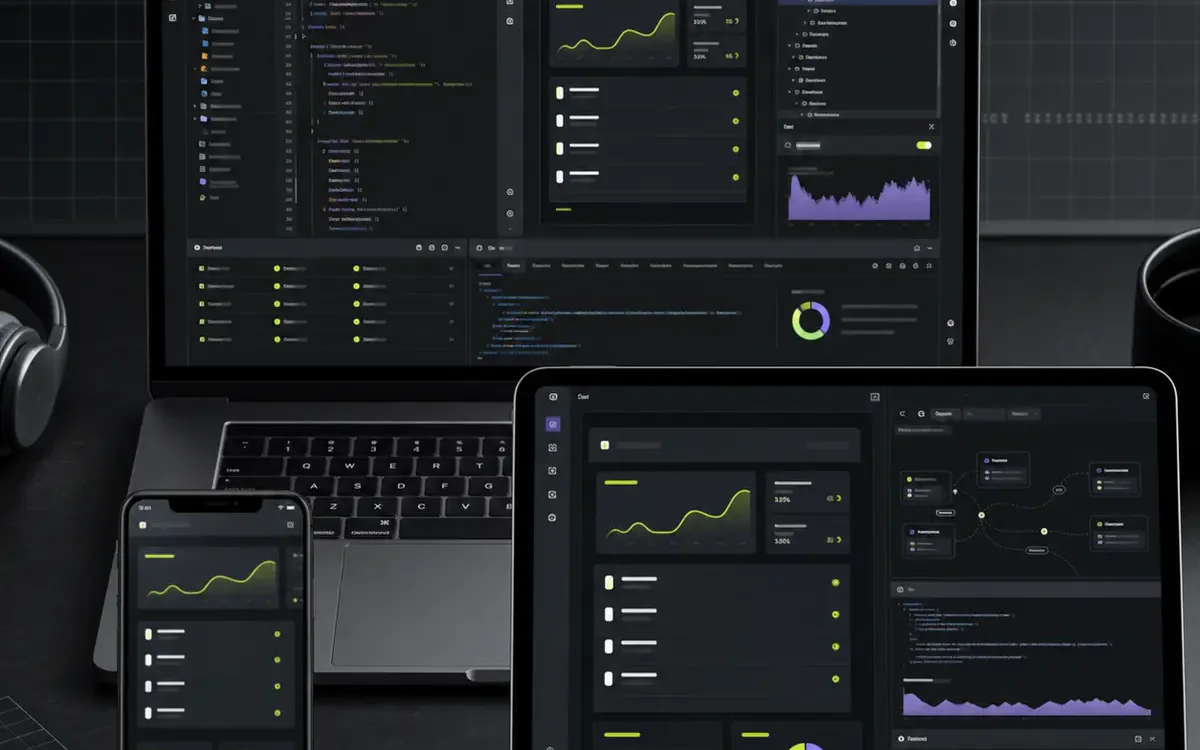
react · boilerplate
A public React starter with TypeScript, Zustand, React Query, Tailwind CSS, PWA, and documented AI integrations. The repository does not declare an SPDX license; review its terms before commercial use.
View product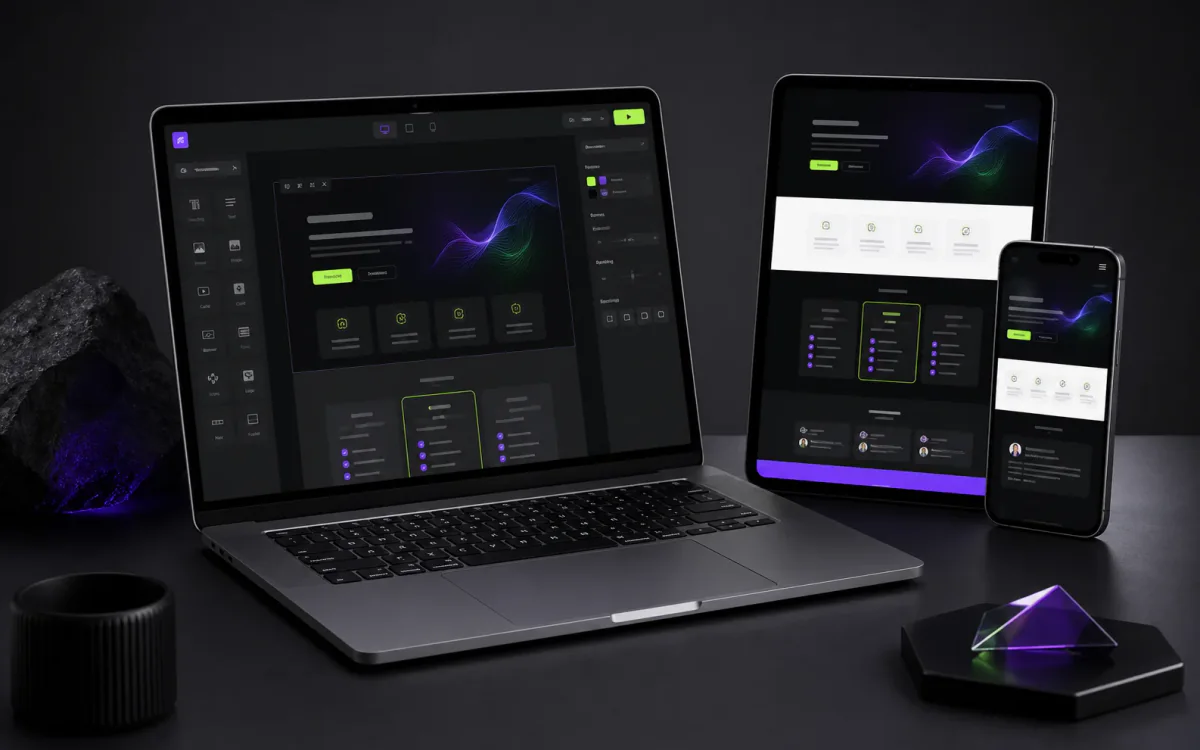
nextjs · saas
A Next.js, TypeScript, and Tailwind CSS SaaS landing page with SEO, themes, i18n, PWA, and integration points for auth, Stripe, and AI. A clear foundation for leaving the blank screen behind and shaping your positioning.
View productContinue exploring similar topics

A momentary SQLite lock tripped my app's circuit breaker, which then showed fallback data and a banner covering the input field. The fix fit in five rules.

lemon-code has six ADRs numbered 0049, all created on the same day. That mistake teaches more about project memory with multiple agents than any well-numbered ADR.

I reached for an HTTP provider on tasks an installed CLI could handle. lemon-code's CLI-first rule fits in four lines of precedence.
A practical checklist to validate security, cost, evals, and observability before you ship your AI app to production.
Production-tested templates trusted by developers. Save weeks of setup on your next project.