


Anderson LimaSoftware Engineer & Architect
October 16, 2026
6 min read
49 views
How lemon-code draws its agent TUI with React components, and the three patches Ink needed to run under Bun on the Mac

Published: October 23, 2026
Reading time: 9 min
Series: lemon-code in 30 days, part 3 of 13
lemon-code's third commit, on March 7, 2026, had a blunt name: bootstrap Bun, TypeScript and Ink. Before any model answered anything, I'd already decided the terminal UI would be written in React.
That became ADR 0005. The argument was simple: an agent needs a status bar, spinners, an approval menu, a task list and a streaming chat, all at once. Doing that with hand-written ANSI sequences is hard to maintain. With React, each piece is a component.
This post covers how the TUI is organized, what Bun brought, and three patches maintained in Ink's build under Bun on macOS ARM64.
Imagine building a web page by placing each pixel by hand versus composing it from components that react to state. Hand-written ANSI sequences are the first approach. Ink is the second, applied to the terminal.
An agent status bar in Ink fits in a few lines:
// status.tsx (minimal example; bun add ink@4 react@18)
import React, { useEffect, useState } from "react";
import { render, Box, Text } from "ink";

function StatusBar({ model }: { model: string }) {
  const [turn, setTurn] = useState(0);
  useEffect(() => {
    const id = setInterval(() => setTurn((t) => t + 1), 1000);
    return () => clearInterval(id);
  }, []);
  return (
    <Box borderStyle="round" paddingX={1} justifyContent="space-between">
      <Text color="green">{model}</Text>
      <Text dimColor>turn {turn}</Text>
    </Box>
  );
}

render(<StatusBar model="codex" />);
Run it with bun status.tsx. No tsc, no bundler. Every second the state changes, Ink recomputes layout and redraws what changed. If you write React, there's no new terminal library to learn.
useApprovalFlow, useExecutionProgress, usePermissionControls); components only present.console.log breaks rendering. All logging goes through a dedicated channel.A central App.tsx composes small pieces:
| Component | Responsibility |
|---|---|
ChatPane | Messages, code blocks and tool results |
InputBar | Multiline input, history and shortcuts |
StatusBar | Current model, session tokens and companion state |
ApprovalMenu | Approve once, approve for the session, or deny |
ExecutionProgress | Thinking, running a tool, waiting for approval |
The rule that helped most: components don't decide anything. Decisions live in hooks.
// approval flow as a hook (rewritten and simplified)
import { useState } from "react";

type Pending = { id: string; action: string } | null;

export function useApprovalFlow(send: (id: string, ok: boolean) => void) {
  const [pending, setPending] = useState<Pending>(null);
  const request = (id: string, action: string) => setPending({ id, action });
  const answer = (ok: boolean) => {
    if (!pending) return;
    send(pending.id, ok);
    setPending(null);
  };
  return { pending, request, answer };
}
ApprovalMenu just receives pending and calls answer. The flow is testable without a terminal using bun test, and it's the same contract the native macOS app consumes later over RPC.
Free and paid products to turn ideas into a foundation you can actually ship.
13 products available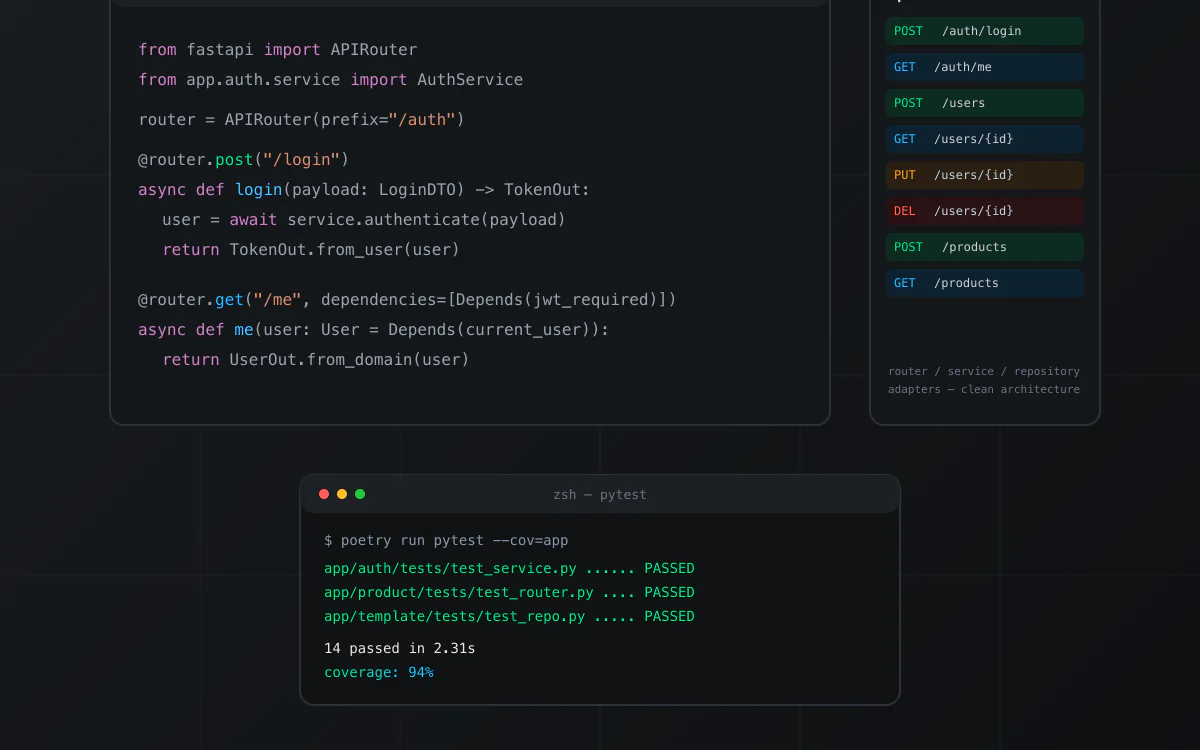
nextjs · boilerplate
Boilerplate de API em Python com FastAPI, organizado em Clean Architecture (router, service, repository e adapters por módulo). Inclui autenticação JWT com hashing bcrypt, MongoDB, testes com pytest e cobertura, Dockerfile e docker-compose para subir localmente, e documentação Swagger/OpenAPI automática. Repositório de origem privado; snapshot técnico verificado antes da publicação.
View product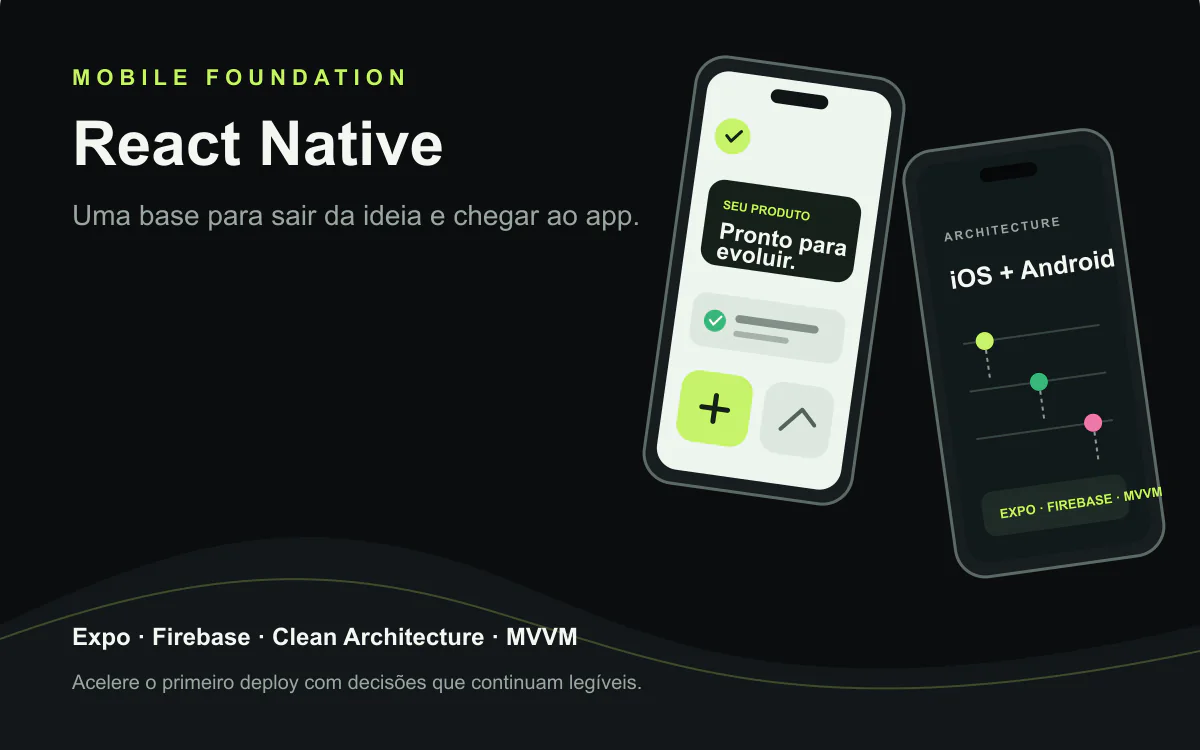
react · boilerplate
A React Native foundation for iOS and Android apps with Expo, Clean Architecture, MVVM, Firebase, and native modules. Technical reference from VaiDeFut, with public Google Play distribution and a documented iOS publishing flow.
View product
nextjs · boilerplate
A free open-source kit for getting started with coding agents across Claude Code, Codex, Gemini, Copilot, and OpenCode. The public repository confirms an MIT license.
View product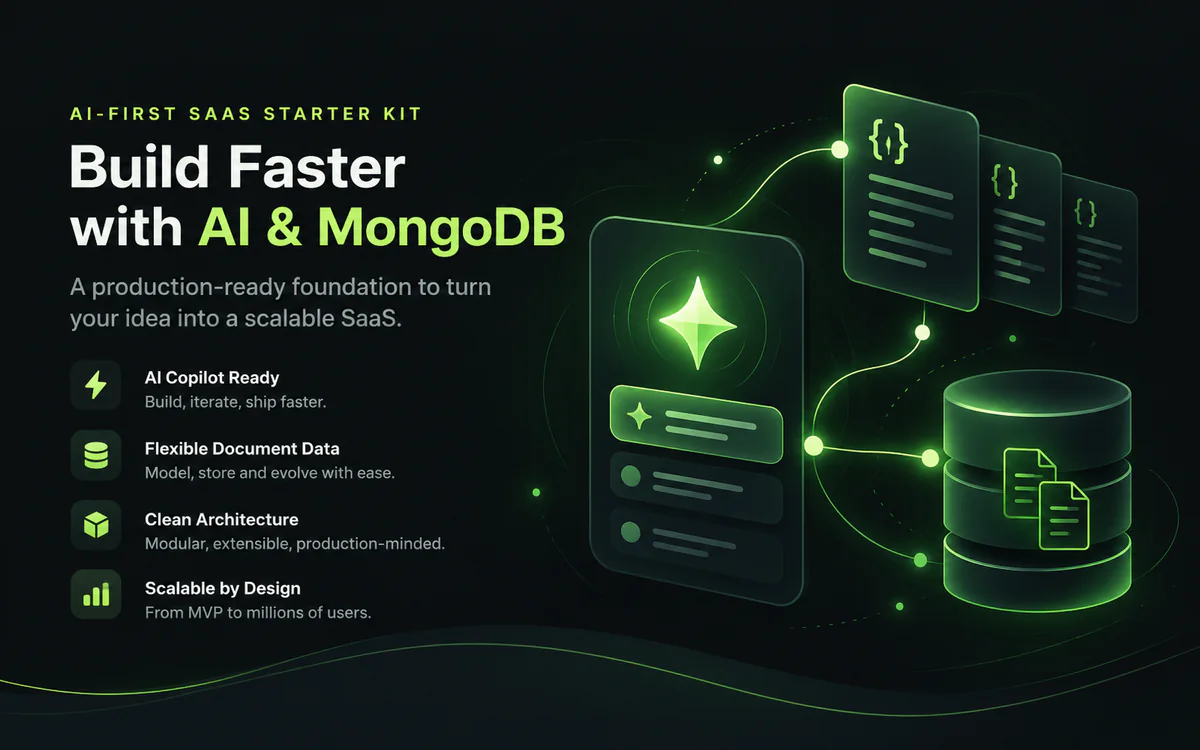
nextjs · boilerplate
A white-label AI-first foundation for shipping SaaS products with Next.js, chat, RAG, memory, tenants, and documentation. The verified snapshot documents Supabase rather than MongoDB; that limitation is explicit. MongoDB, Redis, and RabbitMQ require a compatible integration/configuration.
View product
nextjs · boilerplate
An advanced white-label, multi-tenant AI-first foundation for accelerating products with Next.js, chat, RAG, memory, and documentation. The verified snapshot does not prove a distinct Ultra layer; that limitation stays explicit while provider, cache, and queue swaps remain visible.
View product
nextjs · boilerplate
A white-label, multi-tenant foundation for turning an idea into an AI-first SaaS with Next.js, chat, RAG, memory, and documented security. The verified snapshot uses Supabase; the name identifies the source repository. Provider, cache, and queue boundaries stay explicit; Redis and RabbitMQ are configurable integrations.
View product
react · portfolio
A one-time contribution that supports free technical content, research, and the continuity of relevant projects published by Anderson Lima. You choose the amount; there is no subscription.
View product
react · boilerplate
A free React starter for building a reliable test suite from the first commit, combining Vitest, Testing Library, Playwright, Vite, TypeScript, Zustand, React Query, MirageJS, and PWA. The repository does not declare an SPDX license; review its terms before commercial use.
View product
react · portfolio
A public React, TypeScript, and Vite monorepo for exploring a component library with a native-inspired visual language. The current README is minimal and does not declare an SPDX license; treat it as a free preview.
View product
nextjs · saas
An AI-first SaaS boilerplate with Next.js, Supabase, Stripe, and provider routing to move from the first prompt toward a real deployment faster. AI, data, email, cache, and queue adaptations stay explicit; Redis and RabbitMQ are configurable integrations.
View product
react · saas
A React + TypeScript starter for multi-tenant SaaS with Firebase, Atomic Design, themes, PWA, product screens, MirageJS, and Gemini chat extensible to other providers. Validate production requirements, costs, and integrations before publishing.
View product
react · boilerplate
A public React starter with TypeScript, Zustand, React Query, Tailwind CSS, PWA, and documented AI integrations. The repository does not declare an SPDX license; review its terms before commercial use.
View product
nextjs · saas
A Next.js, TypeScript, and Tailwind CSS SaaS landing page with SEO, themes, i18n, PWA, and integration points for auth, Stripe, and AI. A clear foundation for leaving the blank screen behind and shaping your positioning.
View productContinue exploring similar topics

Nos últimos meses, os agentes de Inteligência Artificial deixaram de ser apenas copilotos de código e passaram a agir como verdadeiros engenheiros virtuais. Ferramentas como Claude Code, Codex CLI e Gemini CLI estão mudando completamente a forma como desenvolvedores escrevem, testam e otimizam código.

I reached for an HTTP provider on tasks an installed CLI could handle. lemon-code's CLI-first rule fits in four lines of precedence.

For HTTP-provider routes, lemon-code records score factors. This teaching example shows how to read the sum and distinguish it from the JEV layer.
A 47-point checklist to find bugs, security risks, and performance issues before launch.
Production-tested templates trusted by developers. Save weeks of setup on your next project.
Model output arrives in chunks and goes through a pipeline before it becomes a component:
Truncating tool output was a performance call. Rendering a 20,000-line ls -R in full freezes the terminal, because Ink redoes layout on every update.
Per ADR 0006, Bun runs everything:
.ts and .tsx directly, so the edit-run loop is instant.bun test runs the whole suite with no extra setup.bun build --compile produces a single lc binary to ship.bun:sqlite) stores sessions and decisions.I don't have my own comparative benchmark against Node to publish. The win I felt was in the day-to-day workflow.
lemon-code keeps a script that runs on postinstall and applies three patches to Ink's build.
Ink uses Yoga, the flexbox engine, compiled to WebAssembly. The default import works in Node, but under Bun on macOS ARM64 the Yoga object arrived without Node defined, because that variant needs explicit initialization. The fix swaps the import for an async init:
// before (in ink's build)
import * as Yoga from "yoga-wasm-web/auto";

// after the patch
import yogaInit from "yoga-wasm-web/asm";
const Yoga = await yogaInit();
In a very short terminal, the vertical border height went negative, and String.prototype.repeat throws RangeError on negative counts. The whole TUI crashed on resize. The fix clamps the value:
const height = Math.max(0, verticalBorderHeight);
The script is idempotent: it detects already-patched files and skips them. It runs on postinstall and again before each build, because a clean bun install reverts everything.
The script also exits this path when the raw-mode support check returns false:
if (!this.isRawModeSupported()) {
  return;
}
ADR 0005 listed three downsides, and all three showed up:
console.log interferes with rendering. Any direct log scrambles the screen. All of lemon-code's logging goes to a file or a channel the UI captures.console.log in code that runs with the UI mounted.bun install followed by a build reapplies the patches.React in the terminal seemed like overkill until I needed an approval menu popping up mid-stream with a status bar updating beside it. With Ink, that's component composition. The trade-off is knowing where Ink and Bun still need adjustments, and keeping the three patches.
Monday's post goes back to the core: how model routing gives every choice an explainable score.
If you're building internal terminal tooling for your team and want the architecture and DX right from the start, that's work I do at LEMON.DEV.