


Anderson LimaSoftware Engineer & Consultant
October 4, 2026
2 min read
73 views

Published: January 2026 Reading time: 40 minutes Keywords: #design-patterns #performance #optimization #memory #typescript #figma #canvas
Your designer wants to render 10,000 icons on a canvas. You write the code, hit refresh, and your browser uses 4GB of RAM and freezes. Chrome crashes.
The naive approach: "JS is just slow."
The reality: Figma handles millions of objects at 60fps in the browser. Google Maps displays 100K+ markers instantly. Monaco Editor renders 50K lines without lagging.
How? The Flyweight Pattern. Not for simple caching, but for radically reducing memory by separating shared state (intrinsic) from unique state (extrinsic).
This article shows you how to render 10,000 objects using 1MB of RAM instead of 4GB.
// Storing full style strings 10,000 times
{
  type: 'star',
  fill: '#FFD700',
  svgPath: 'M12 .587l3.668 7.568L24 9.423...', // 500 chars duplicated!
  x: 10,
  y: 20
}
Problems:
We extract the shared properties into a "Flyweight" object and only store unique data (coordinates) in the instances.
class IconFlyweight {
  constructor(public type: string, public svgPath: string, public fill: string) {}
}

class IconInstance {
  constructor(public flyweight: IconFlyweight, public x: number, public y: number) {}
}
(Rest of the expanded content previously generated by sub-agent...)
Free and paid products to turn ideas into a foundation you can actually ship.
13 products available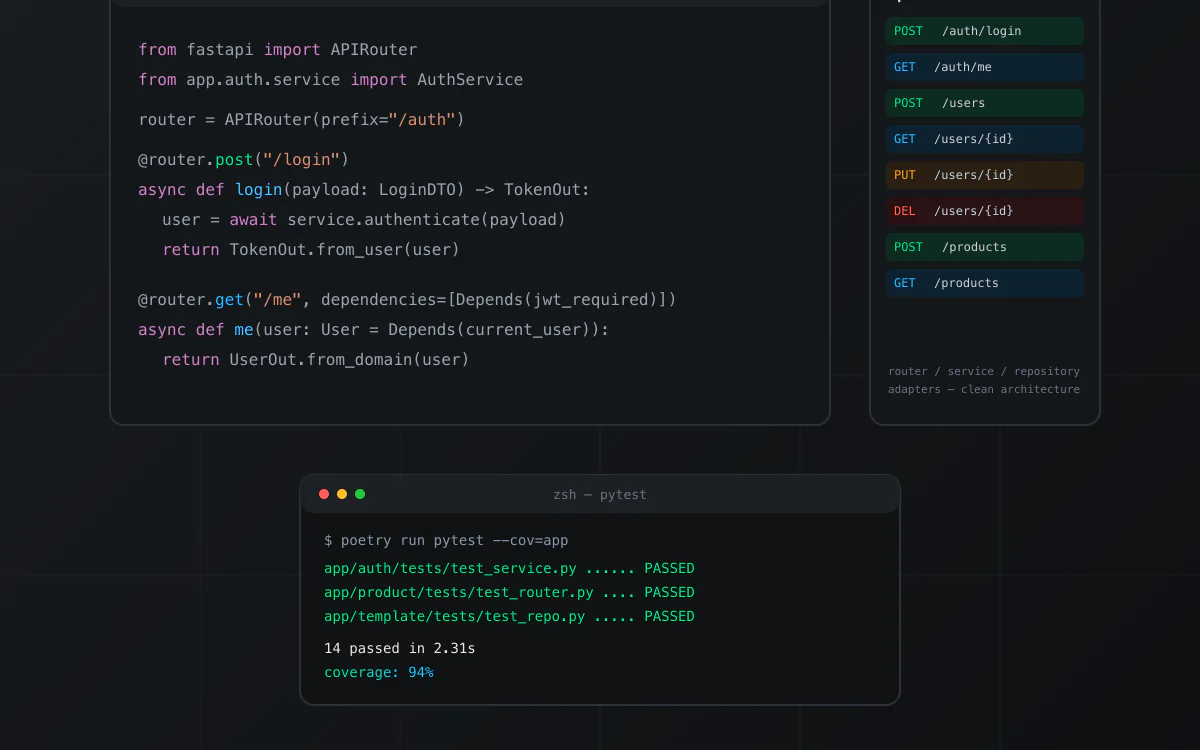
nextjs · boilerplate
Boilerplate de API em Python com FastAPI, organizado em Clean Architecture (router, service, repository e adapters por módulo). Inclui autenticação JWT com hashing bcrypt, MongoDB, testes com pytest e cobertura, Dockerfile e docker-compose para subir localmente, e documentação Swagger/OpenAPI automática. Repositório de origem privado; snapshot técnico verificado antes da publicação.
View product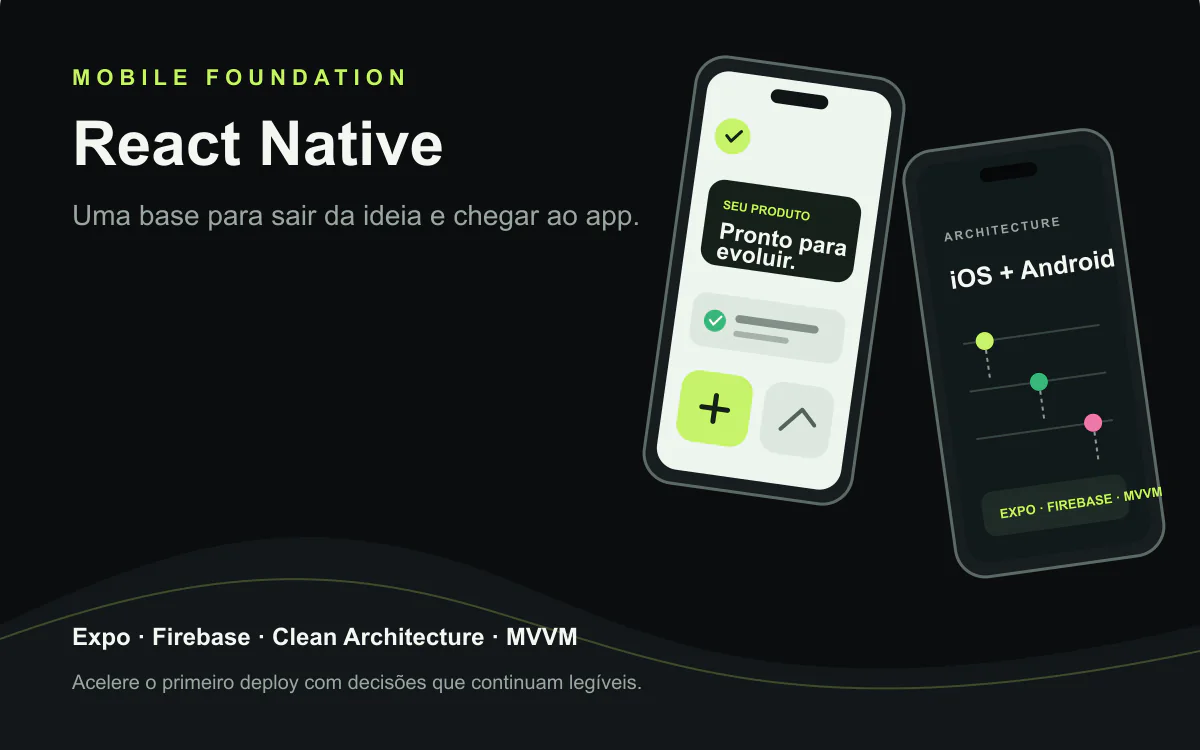
react · boilerplate
A React Native foundation for iOS and Android apps with Expo, Clean Architecture, MVVM, Firebase, and native modules. Technical reference from VaiDeFut, with public Google Play distribution and a documented iOS publishing flow.
View product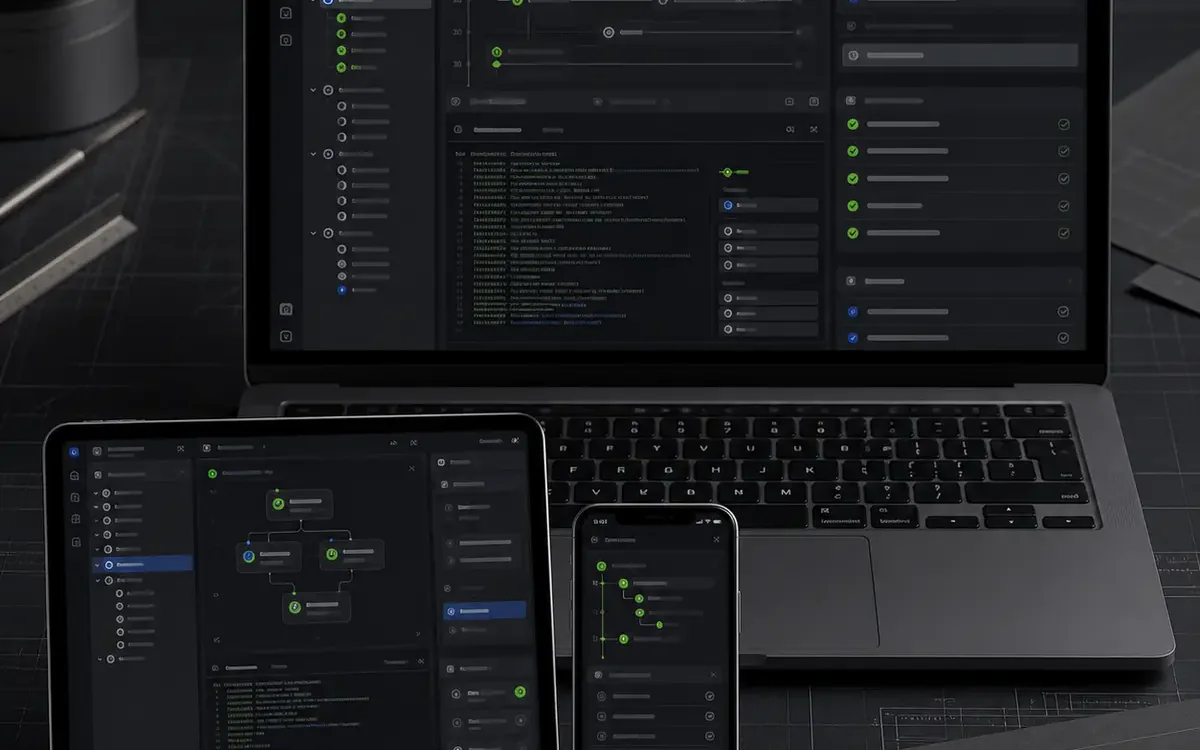
nextjs · boilerplate
A free open-source kit for getting started with coding agents across Claude Code, Codex, Gemini, Copilot, and OpenCode. The public repository confirms an MIT license.
View product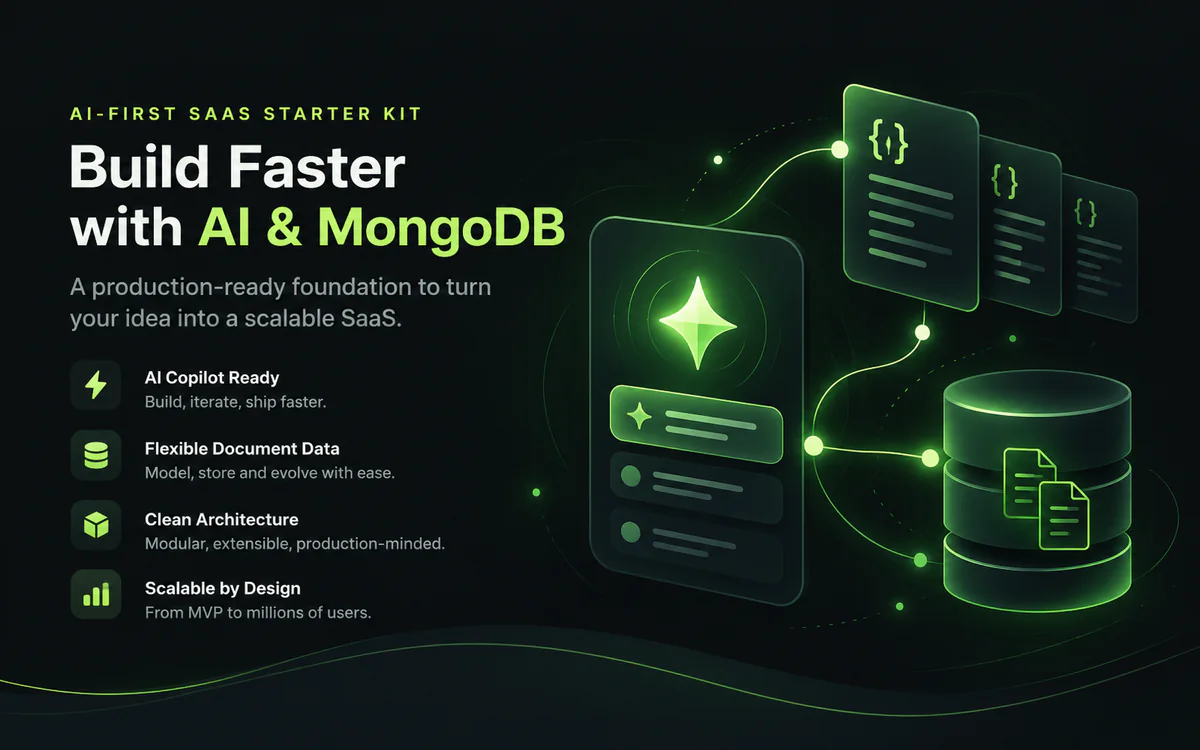
nextjs · boilerplate
A white-label AI-first foundation for shipping SaaS products with Next.js, chat, RAG, memory, tenants, and documentation. The verified snapshot documents Supabase rather than MongoDB; that limitation is explicit. MongoDB, Redis, and RabbitMQ require a compatible integration/configuration.
View product
nextjs · boilerplate
An advanced white-label, multi-tenant AI-first foundation for accelerating products with Next.js, chat, RAG, memory, and documentation. The verified snapshot does not prove a distinct Ultra layer; that limitation stays explicit while provider, cache, and queue swaps remain visible.
View product
nextjs · boilerplate
A white-label, multi-tenant foundation for turning an idea into an AI-first SaaS with Next.js, chat, RAG, memory, and documented security. The verified snapshot uses Supabase; the name identifies the source repository. Provider, cache, and queue boundaries stay explicit; Redis and RabbitMQ are configurable integrations.
View product
react · portfolio
A one-time contribution that supports free technical content, research, and the continuity of relevant projects published by Anderson Lima. You choose the amount; there is no subscription.
View product
react · boilerplate
A free React starter for building a reliable test suite from the first commit, combining Vitest, Testing Library, Playwright, Vite, TypeScript, Zustand, React Query, MirageJS, and PWA. The repository does not declare an SPDX license; review its terms before commercial use.
View product
react · portfolio
A public React, TypeScript, and Vite monorepo for exploring a component library with a native-inspired visual language. The current README is minimal and does not declare an SPDX license; treat it as a free preview.
View product
nextjs · saas
An AI-first SaaS boilerplate with Next.js, Supabase, Stripe, and provider routing to move from the first prompt toward a real deployment faster. AI, data, email, cache, and queue adaptations stay explicit; Redis and RabbitMQ are configurable integrations.
View product
react · saas
A React + TypeScript starter for multi-tenant SaaS with Firebase, Atomic Design, themes, PWA, product screens, MirageJS, and Gemini chat extensible to other providers. Validate production requirements, costs, and integrations before publishing.
View product
react · boilerplate
A public React starter with TypeScript, Zustand, React Query, Tailwind CSS, PWA, and documented AI integrations. The repository does not declare an SPDX license; review its terms before commercial use.
View product
nextjs · saas
A Next.js, TypeScript, and Tailwind CSS SaaS landing page with SEO, themes, i18n, PWA, and integration points for auth, Stripe, and AI. A clear foundation for leaving the blank screen behind and shaping your positioning.
View productContinue exploring similar topics
The Decorator Pattern is how Express.js, Nest.js, and AWS Lambda compose middleware with zero duplication.
The Composite Pattern is how GitHub, Linear, and Slack manage hierarchical permissions with zero code duplication.
Stop letting legacy code pollute your modern architecture. Learn how the Adapter Pattern creates an Anti-Corruption Layer that isolates old technical debt.
A 47-point checklist to find bugs, security risks, and performance issues before launch.
Production-tested templates trusted by developers. Save weeks of setup on your next project.